

Private message – mobile
Real-time private messaging allows members to have instant, live conversations. I will try to explain how to handle real-time private messaging with your smartphone. Wish your get it. 😉
Real-time private messaging allows members to have instant, live conversations.
I will try to explain how to handle real-time private messaging with your smartphone. Wish your get it. 😉
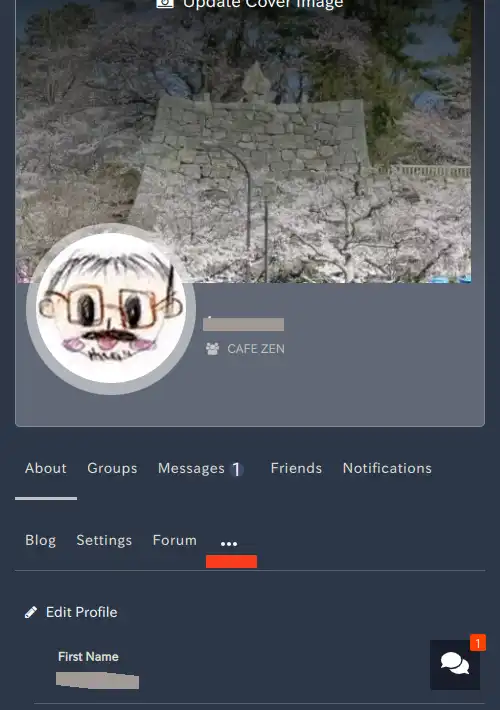
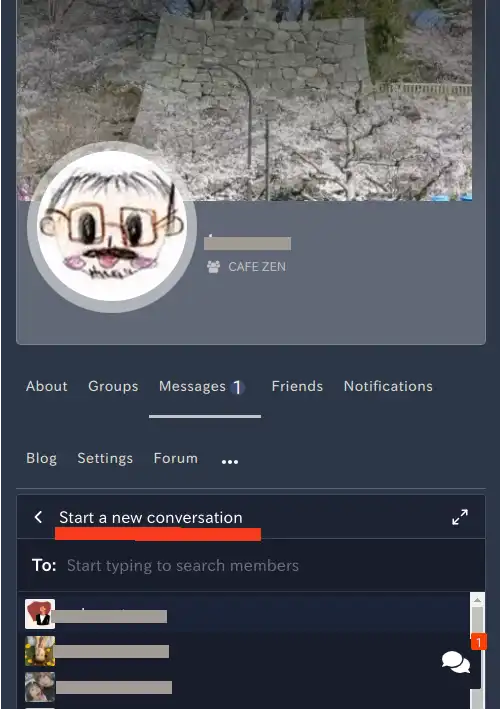
- Click on the “…” icon on your profile page
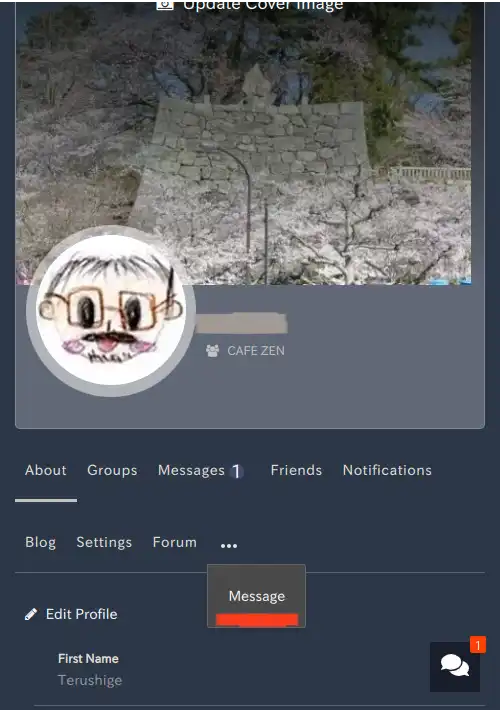
- “Message” will be displayed, so click it.
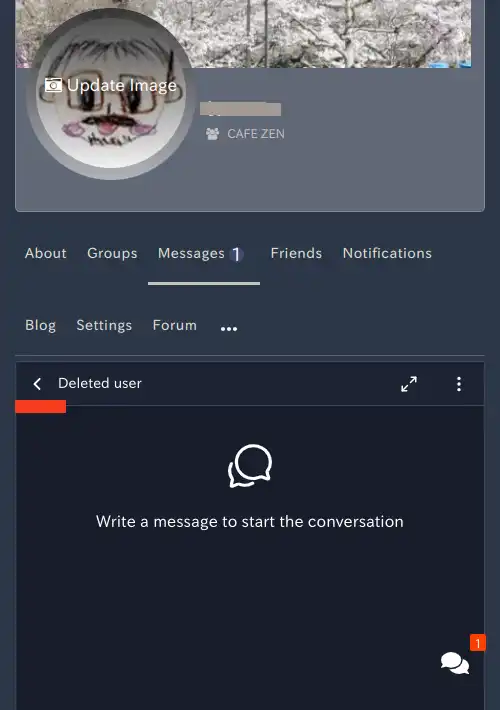
- Click the icon “<“
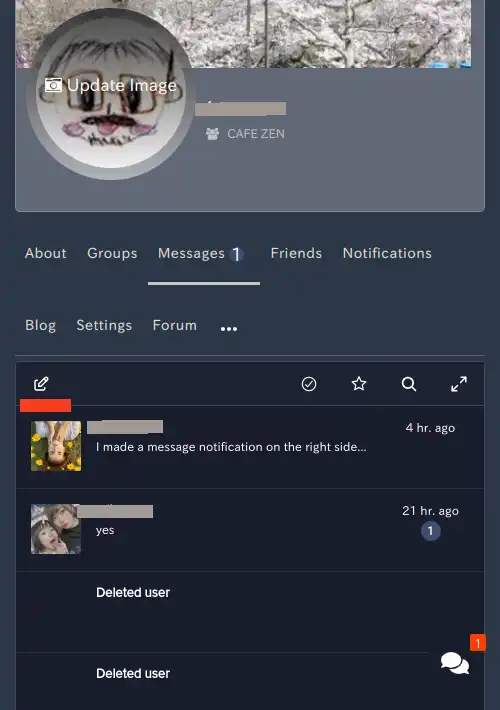
- Click on the next icon
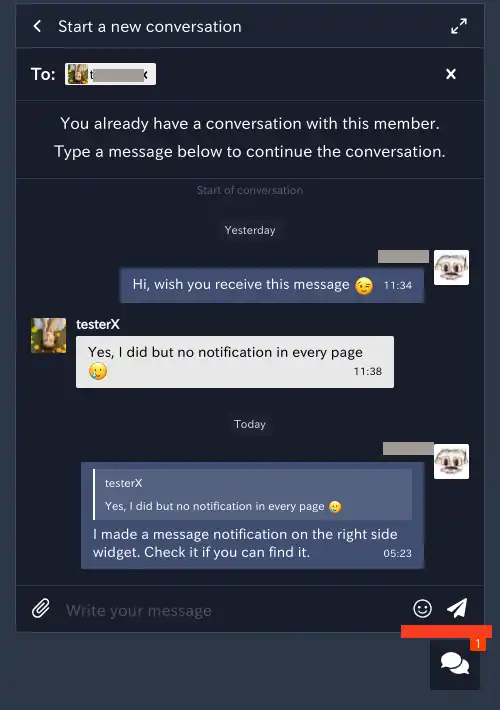
- The message “Start a new conversation” will appear, so select the person you want to talk to.
- Enter your message in the “Write your message” field at the bottom of the screen.
- You can use emojis by clicking the icon at the bottom right of the screen
- Click the paper airplane icon on the far right to send